Ginupy Code
Android — Closed Testing
Google Play closed testing is underway. Join our Discord community to learn how to participate.
 ginupy.
A LITTLE SCREEN. A WORLD TO BUILD.
Meet Ginupy Code, a mobile code editor built on the open-source Code - OSS project for learning, coding, and creating on your phone or tablet.
Made for iOS & Android Free + Pro
Help us improve Ginupy Code! We're looking for Android and iOS beta testers.
Google Play closed testing is underway. Join our Discord community to learn how to participate.
Be among the first to try Ginupy Code on your iPhone or iPad. Beta testing is now underway; join our Discord community for participation details.
Join our Discord community and request access to the iOS beta. We’ll share the invitation and installation instructions there.
Install TestFlight on your iPhone or iPad, then follow the invitation to try Ginupy Code and share your feedback on Discord.
Recruitment, participation guidance, and feedback are all handled on Discord.
01 / CODE ANYWHERE
Open a project, find your files, and pick up where your curiosity takes you. Built on the open-source Code - OSS project and tailored for smartphones and tablets.
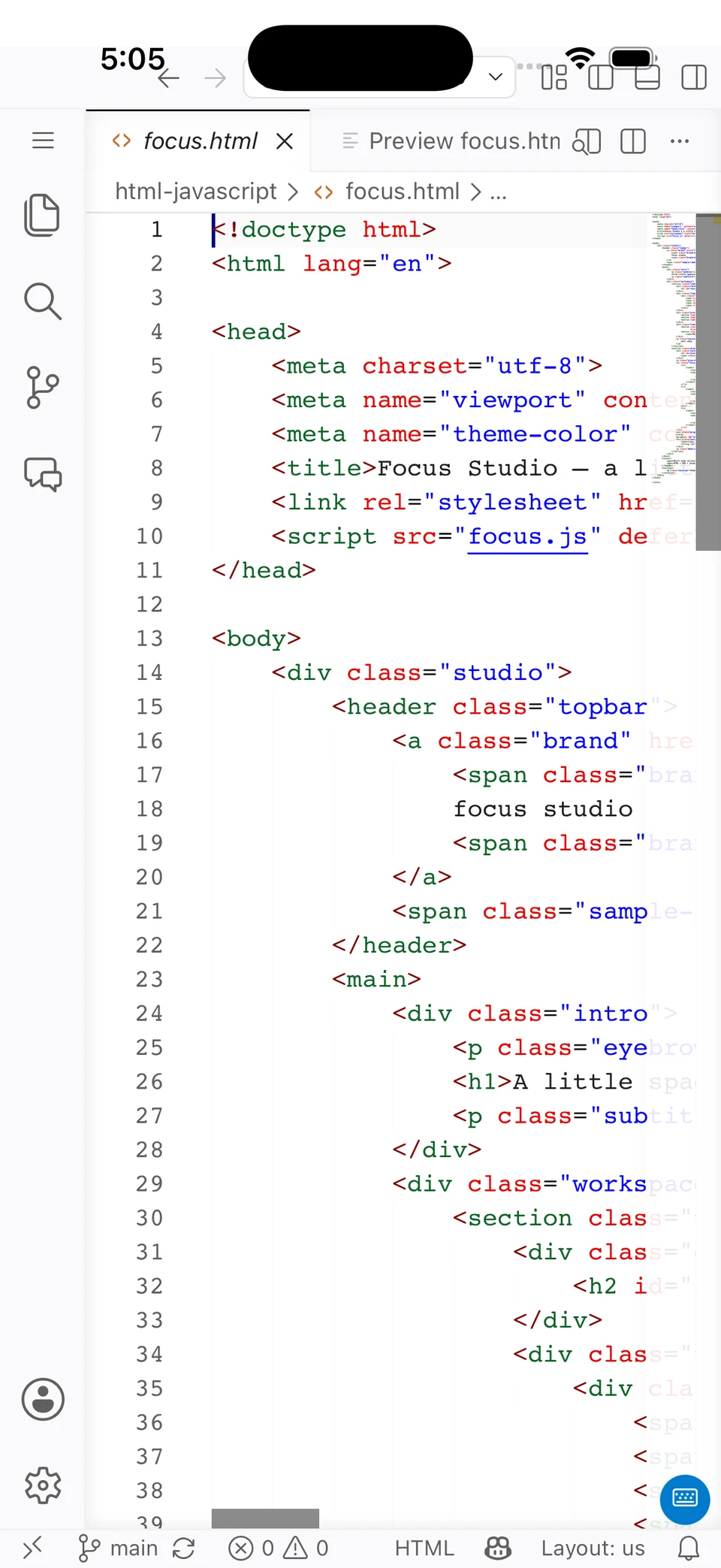
Edit source code with syntax highlighting and keep your project files close at hand.
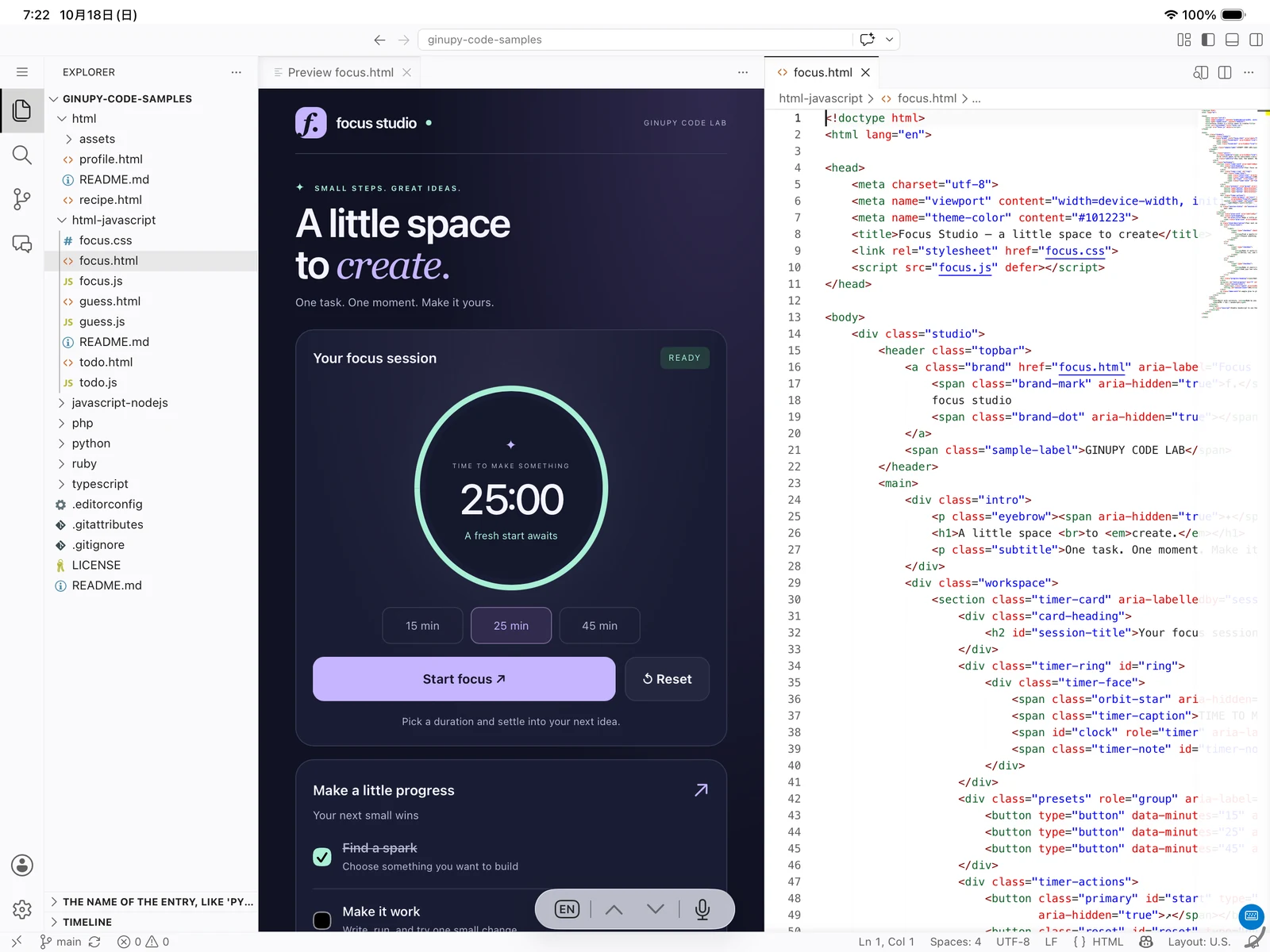
Review a file on your phone. Give your code and preview more room on a tablet.
Start with Free. Add Pro when you want GPU acceleration, provider AI, remote tools, and usage analytics.
02 / LEARN, RUN & PREVIEW
Build a web page with HTML, CSS, and JavaScript, then see it in the web preview. Explore code and use the terminal to follow what your program does.
Start with small examples in JavaScript, TypeScript, Python, PHP, or Ruby. Editing, execution, and preview support differ by language and runtime.
Find your starting point03 / AI, ON YOUR TERMS
Explore local language models on your device, or connect to supported AI providers with Pro. Two ways to bring AI into your coding workflow.
Download supported local LLMs and run inference on your device. Local AI is available in Free; Pro adds GPU acceleration on supported devices and backends.
Access supported AI models using your own API provider keys. Provider API charges may apply separately from your Pro subscription.
Model availability, GPU support, and performance depend on your device, backend, and provider.
04 / A CLOSER LOOK
Real screens, straight from the app. Select a screenshot to take a closer look.
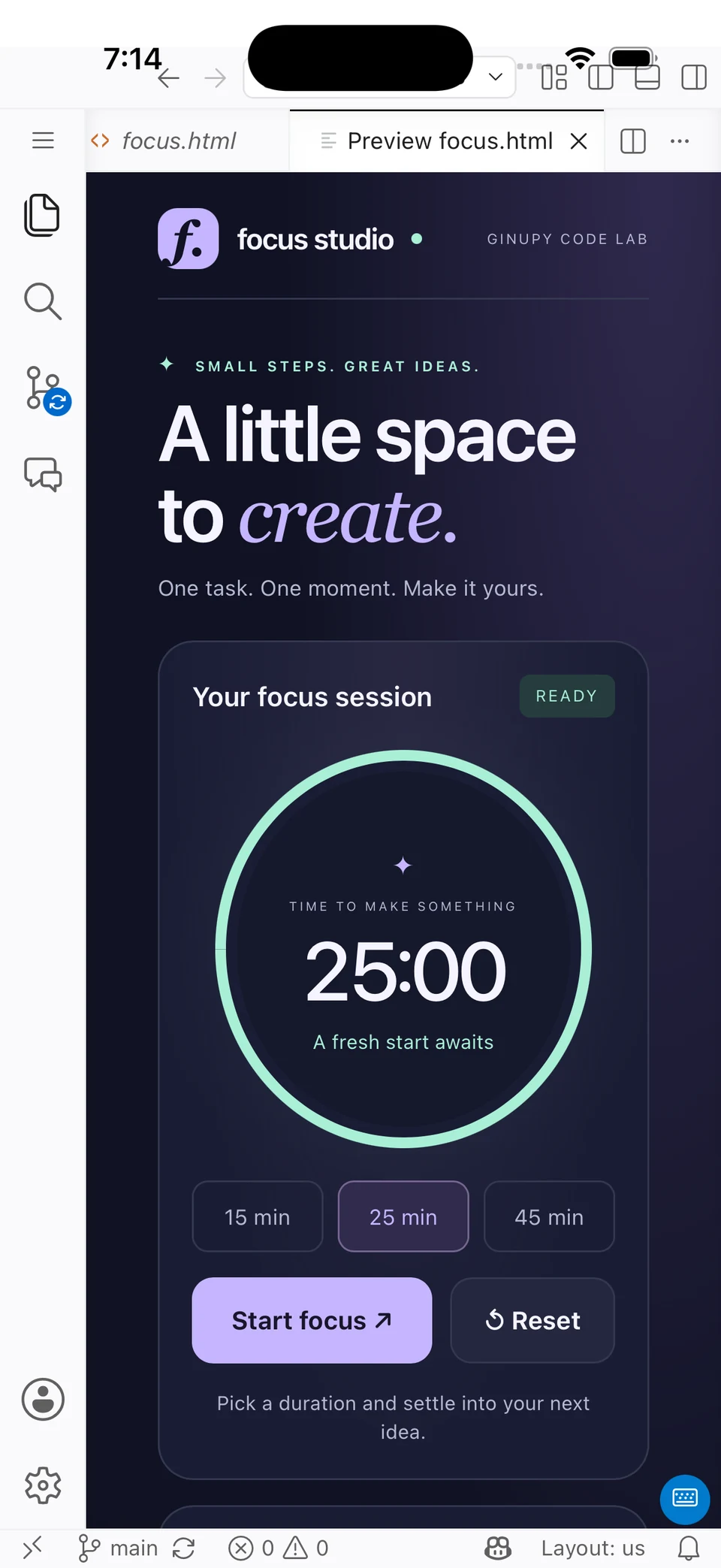
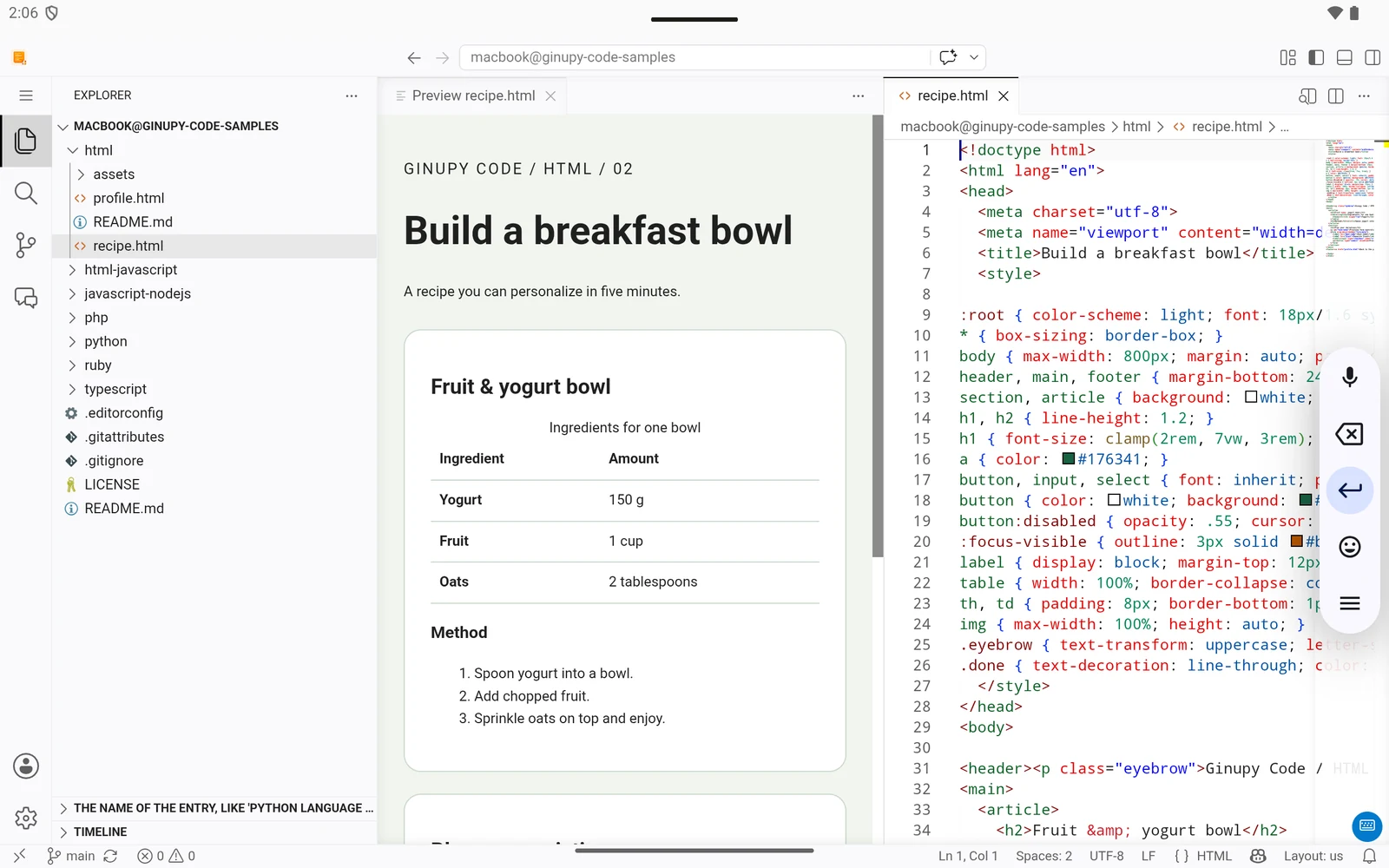
A web page running on iPhone.
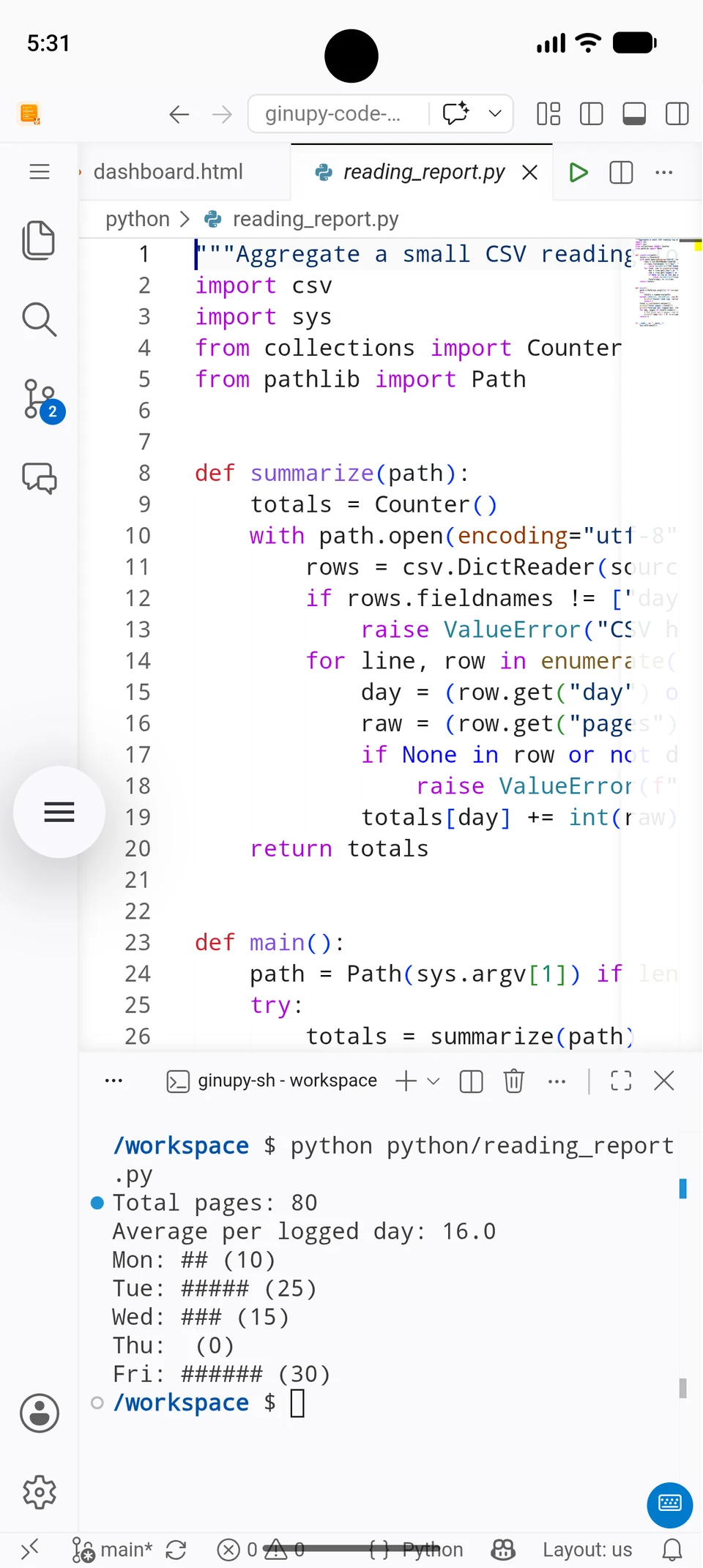
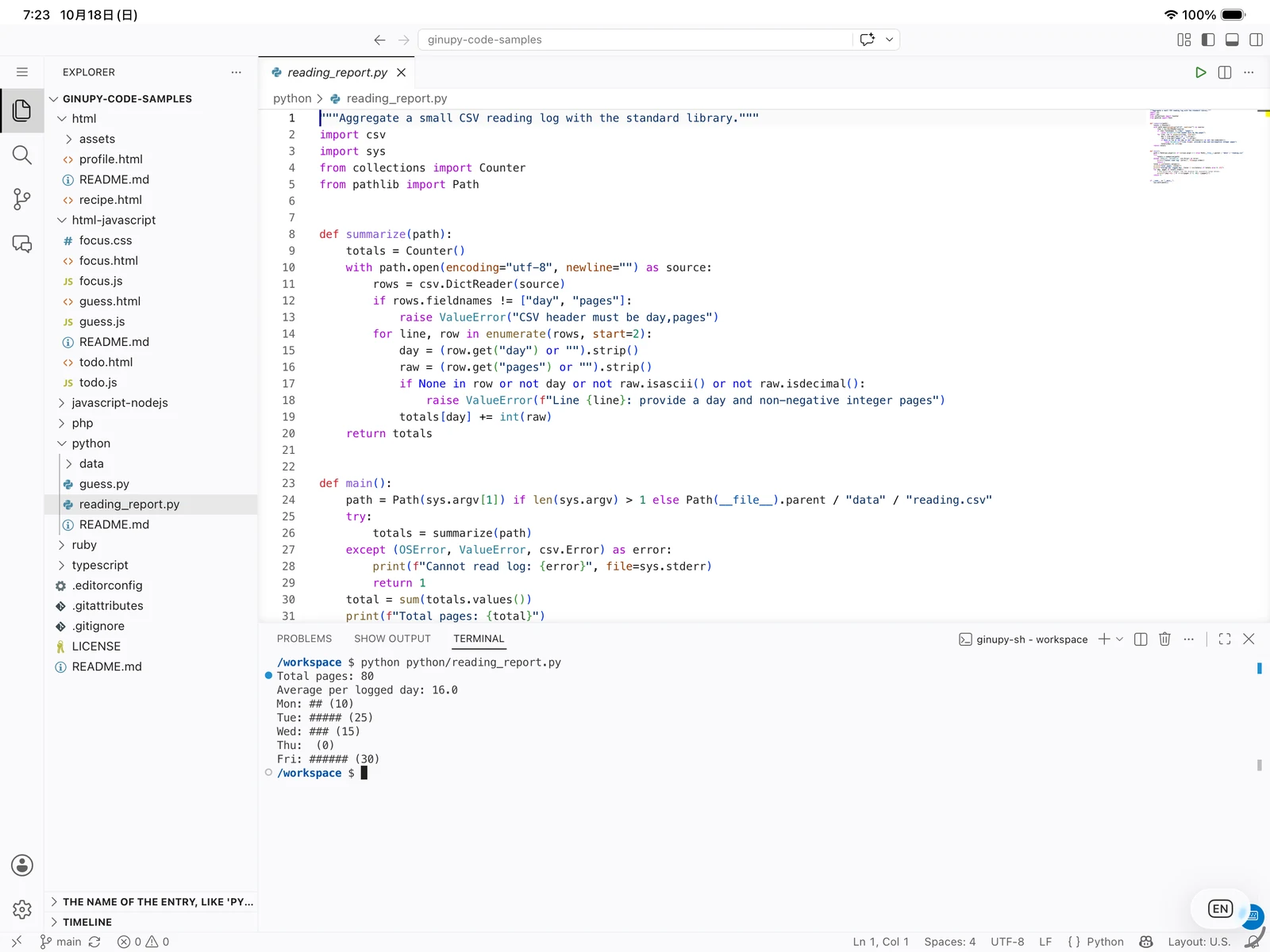
Python and terminal output on Android.

Git source control on iPhone.
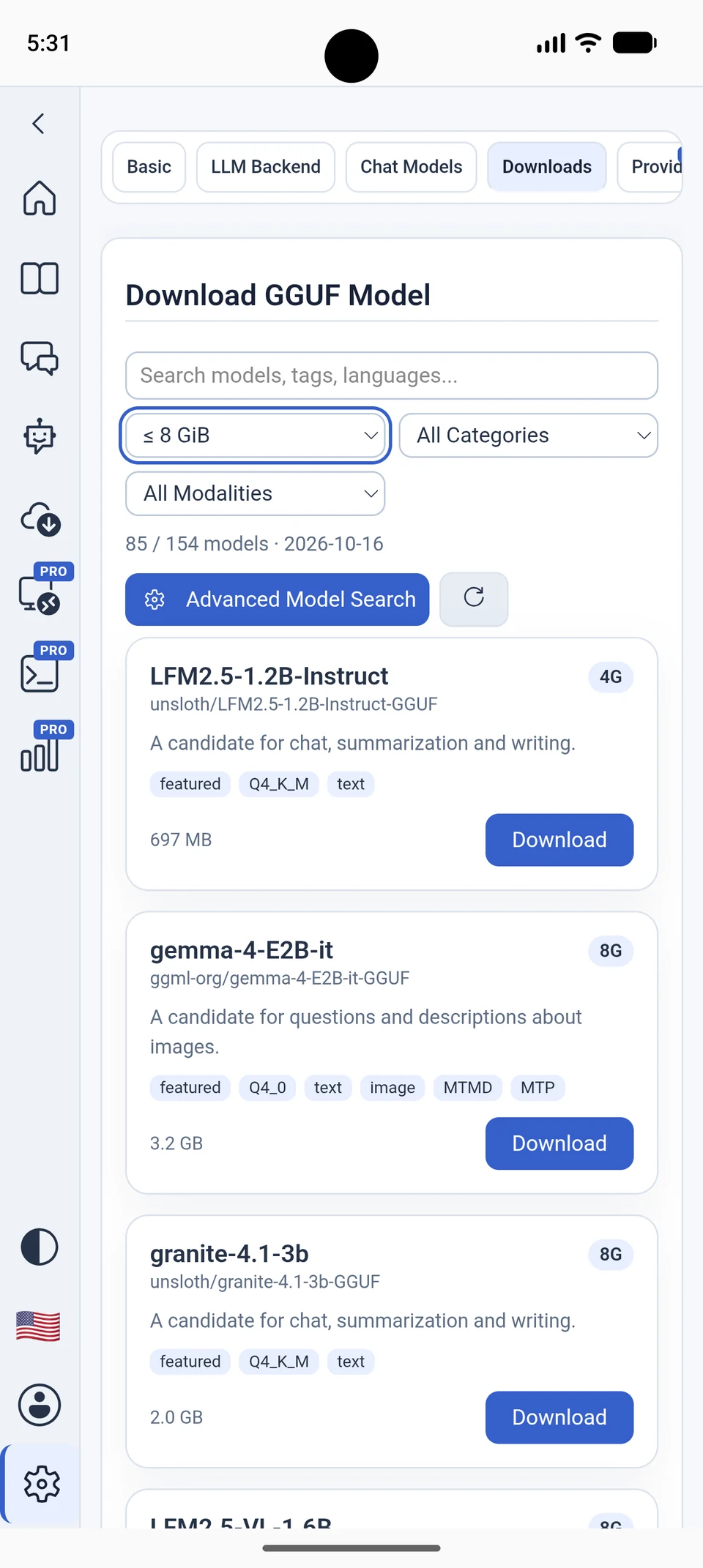
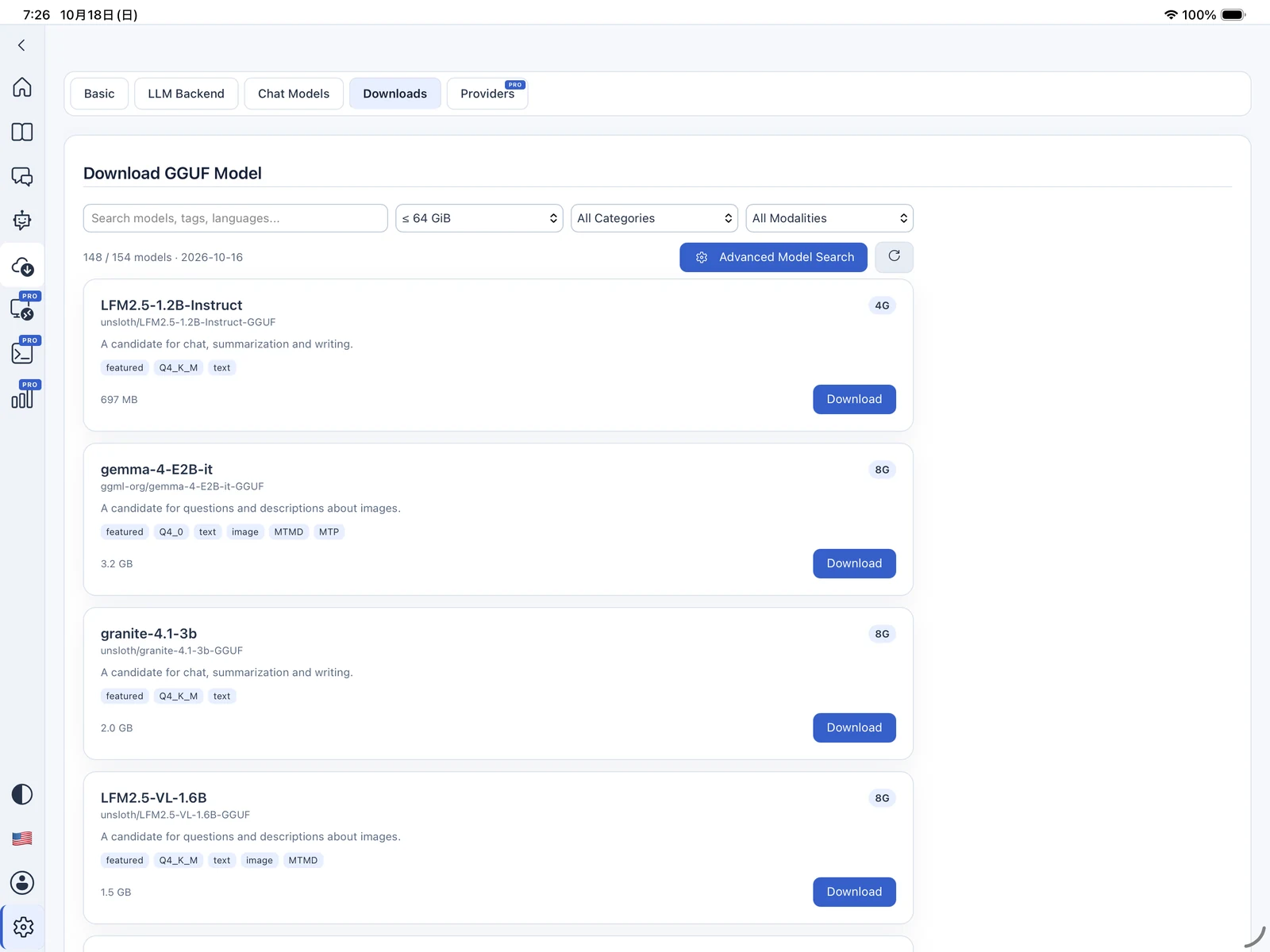
The GGUF model catalog on Android.
Scroll to explore. Select to enlarge.
05 / TERMINAL, GIT & REMOTE
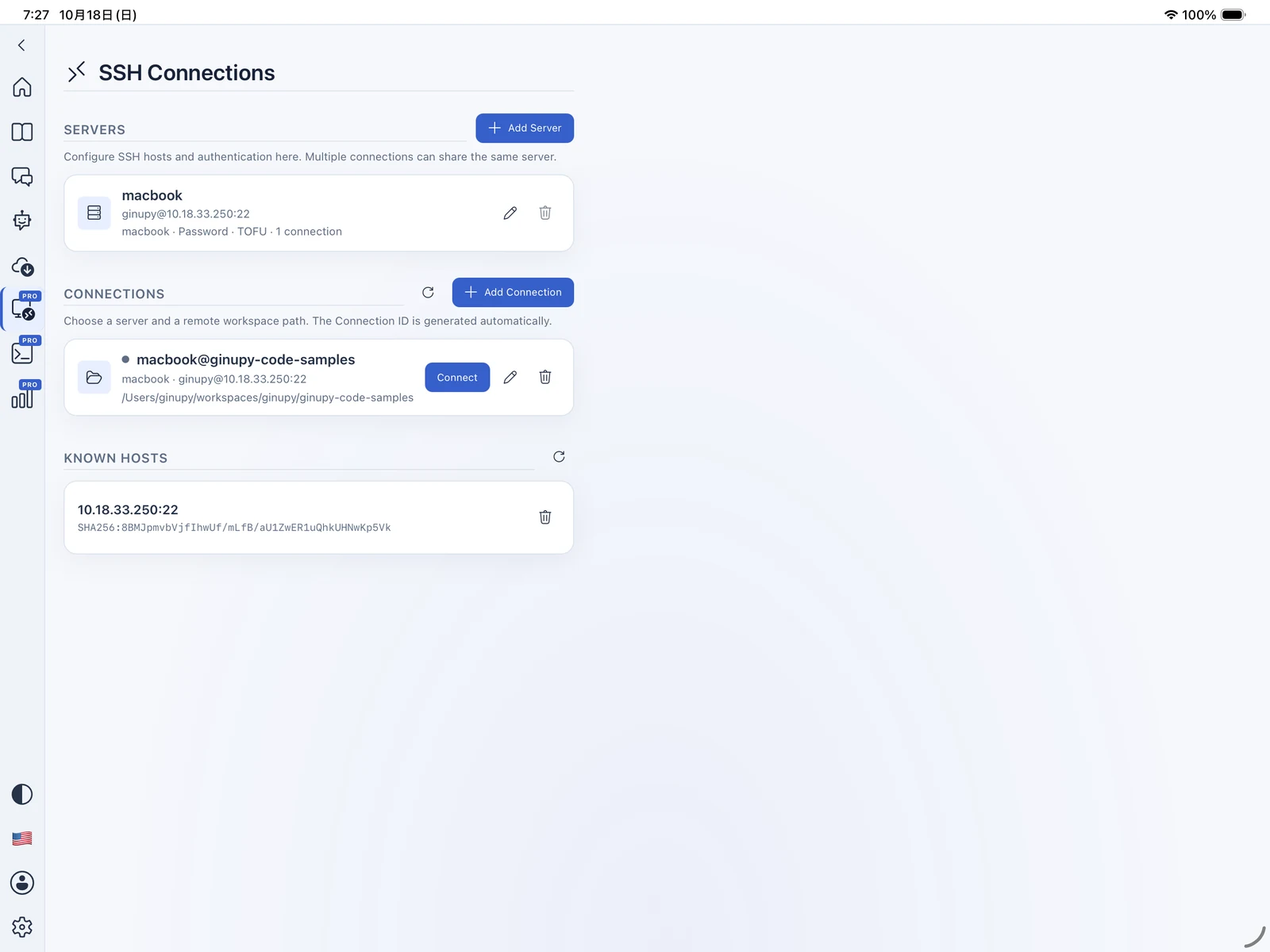
Work with a local terminal and Git version control. When your project lives on a server, Pro brings SSH and SFTP into the picture.
06 / MAKE ROOM FOR MORE
Start coding with Free. Upgrade to Pro for more ways to use AI, work remotely, and understand your AI usage.
| A little more possibility. | FreeStart exploring | ProExpand your toolkit |
|---|---|---|
| GPU AccelerationGPU acceleration for local LLM inference.Requires a supported device and GPU backend. | Not available | Included |
| Latest AI ModelsAccess supported AI models using your own API provider keys. Provider API charges may apply.API providers · Available models depend on the provider. | Not available | Included |
| Remote DevelopmentEdit remote files via SFTP and execute commands over SSH.SSH / SFTP | Not available | Included |
| Usage AnalyticsTrack AI usage, token counts, and estimated costs.Estimates may differ from actual provider charges. | Not available | Included |
See the app for subscription pricing and any offers available to you. API provider charges are separate.
07 / LEARN & EXPLORE
You don’t need a big project to make a start. Try a small web page, a JavaScript interaction, or a Python program. Read the code, make it your own, and see what changes.
Ginupy Code supports 16 interface languages. Choose the language that feels like home.
YOUR NEXT IDEA STARTS HERE
Ginupy Code for iOS and Android.
Start with Free. Explore more with Pro.
Check back here for official download links.
Questions? Get in touch